
Plan and publish your social media from one calendar
V9 Social is a web app for creators and businesses. Write a post once, choose your channels, preview it and publish it now or at the time you pick. Or let your AI assistant do the planning.
Who is V9 Social for?
Creators
Plan a week of TikTok videos and Instagram posts in one sitting and let them go out on schedule.
Businesses
Keep every brand account in one calendar, with drafts, previews and a shared media library.
AI-first teams
Ask Claude or ChatGPT to draft and schedule posts. Everything lands in your calendar for review.
Power your content with AI
Connect your AI assistant to V9 Social through MCP. It drafts and schedules posts, and you review everything in the calendar.
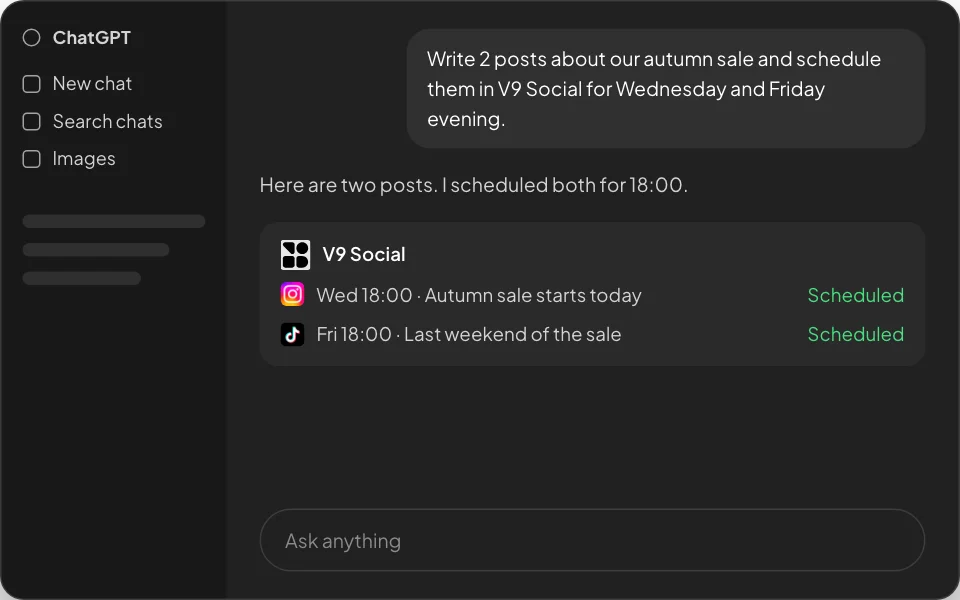
Via ChatGPT
Write and refine posts in ChatGPT with simple prompts, then schedule them in V9 Social.
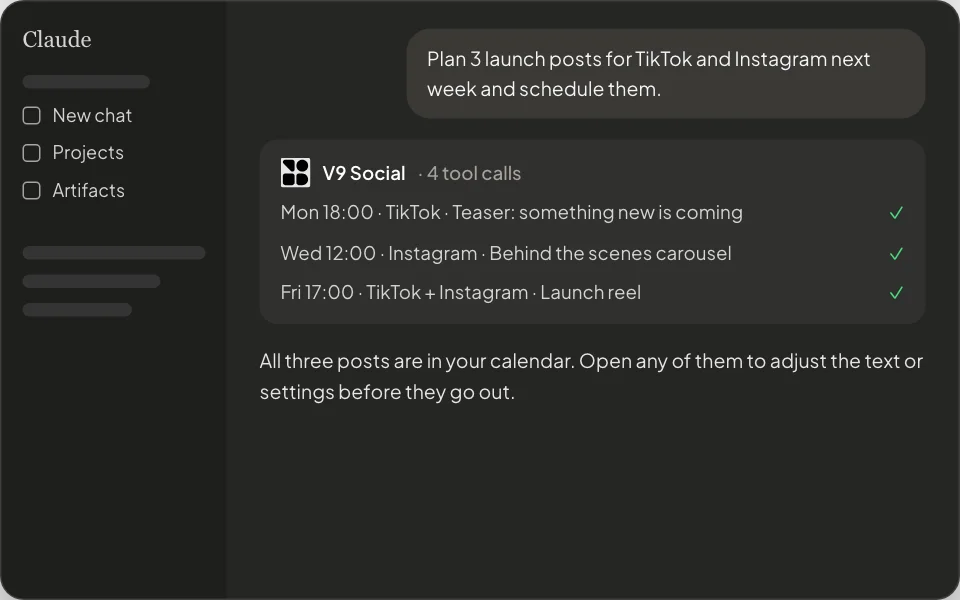
Via Claude
Connect Claude to V9 Social over MCP to plan, write and schedule a week of posts.
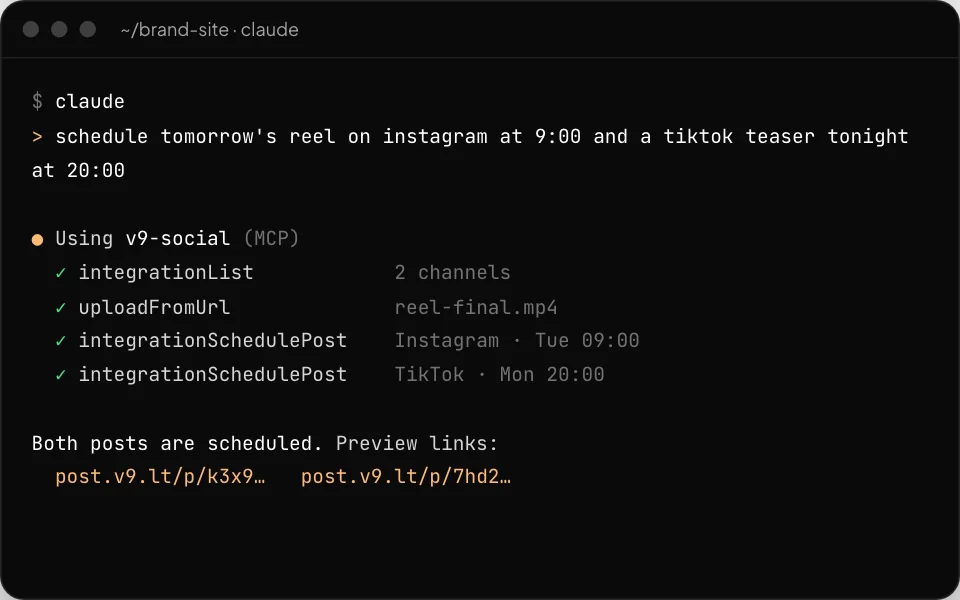
Via Claude Code and Cursor
Schedule posts from your terminal or editor while you work, with the same V9 Social tools.
All the tools you need in one place
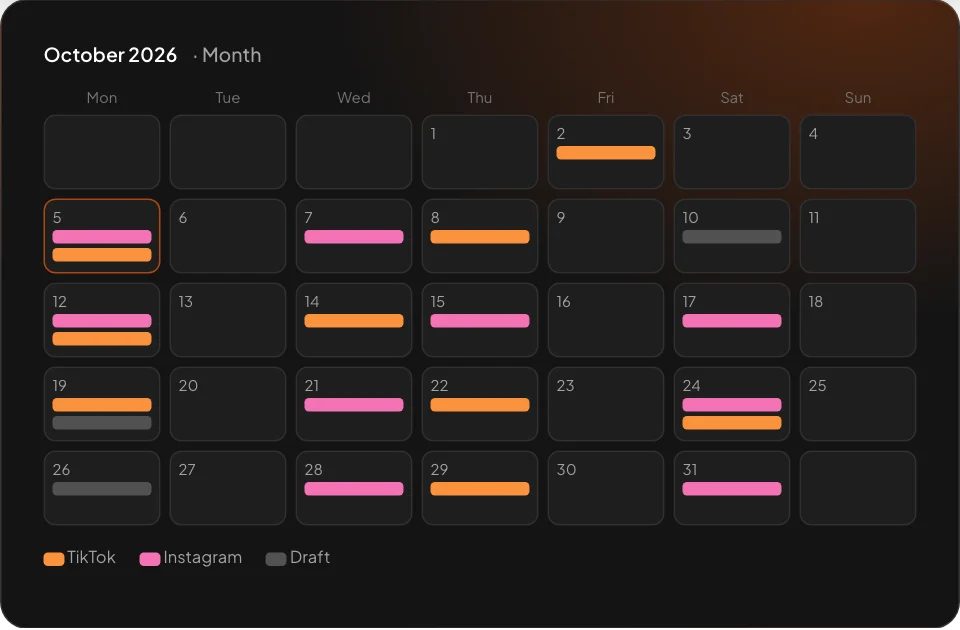
Schedule everywhere at once
Write a post once and send it to every channel you pick, on the schedule you set. See the whole month in a visual calendar before anything goes out.
One post, the right format for each channel
Edit the text per channel, attach photos or videos and preview how the post will look on TikTok and Instagram.
TikTok post settings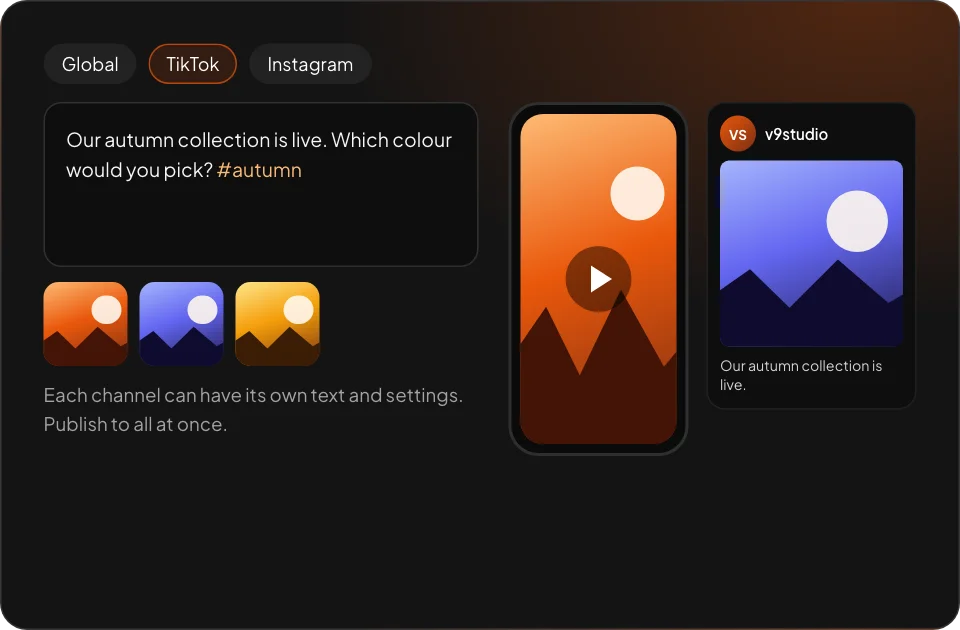
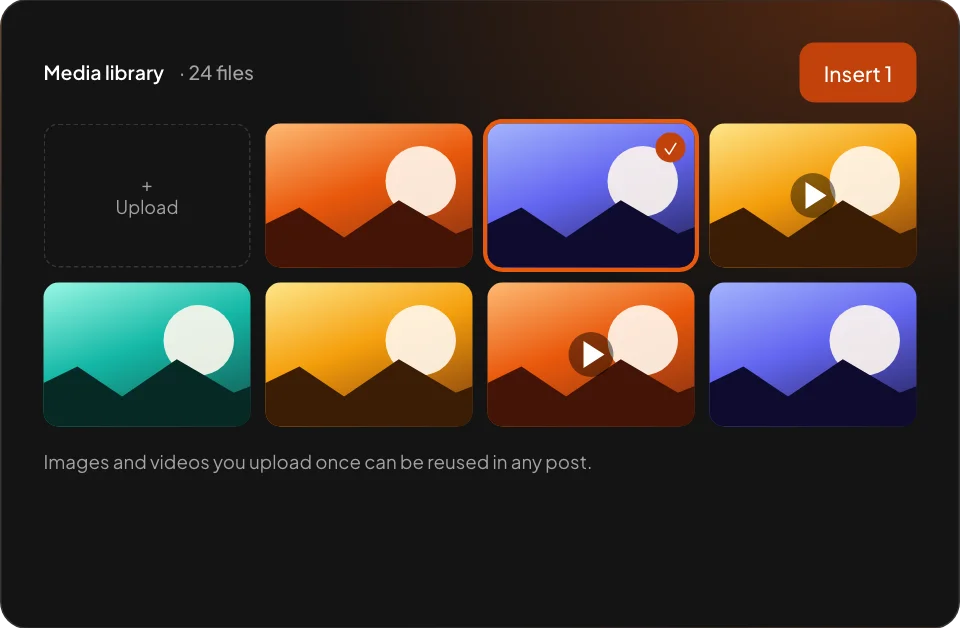
A media library for every post
Upload images and videos once and reuse them across posts and channels.
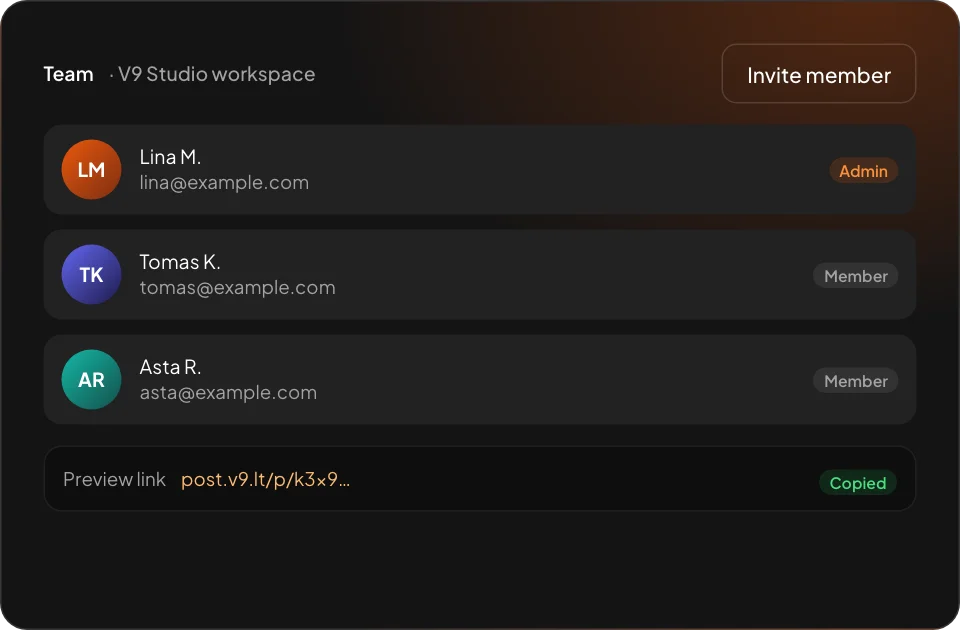
Built for teams
Invite colleagues to your workspace, plan together and share preview links before a post is published.
Supported channels
Connect the accounts you own. Each channel page explains what you can post and which permissions are used.


Who is V9 Social for?
Creators and businesses who publish to their own social media accounts and want to plan posts ahead in one place.
How do I get an account?
Accounts are opened on request. Use Request access and tell us which channels you want to connect.
Does V9 Social post anything on its own?
No. Content is only published when you click Post Now or when a post you or your AI assistant scheduled reaches its time.
Which AI assistants work with V9 Social?
Any app that supports MCP, including Claude, ChatGPT, Claude Code and Cursor. See the AI Agents page.
What happens to my data?
We store what is needed to publish for you: your connected account profile, access tokens and the content you upload. Disconnecting a channel deletes its tokens. Details are in the Privacy Policy.
Is V9 Social open source?
Yes. It is built on the open-source Postiz project and our modified source code is public under AGPL-3.0.
Ready to get started?
Already have an account? Sign in. New to V9 Social? Request access and we will set you up.