
Plan posts with your AI assistant
Connect Claude, ChatGPT or another MCP client to V9 Social. Describe what you want to post and the agent prepares it in your calendar, where you review it before it goes out.
Power your content with AI
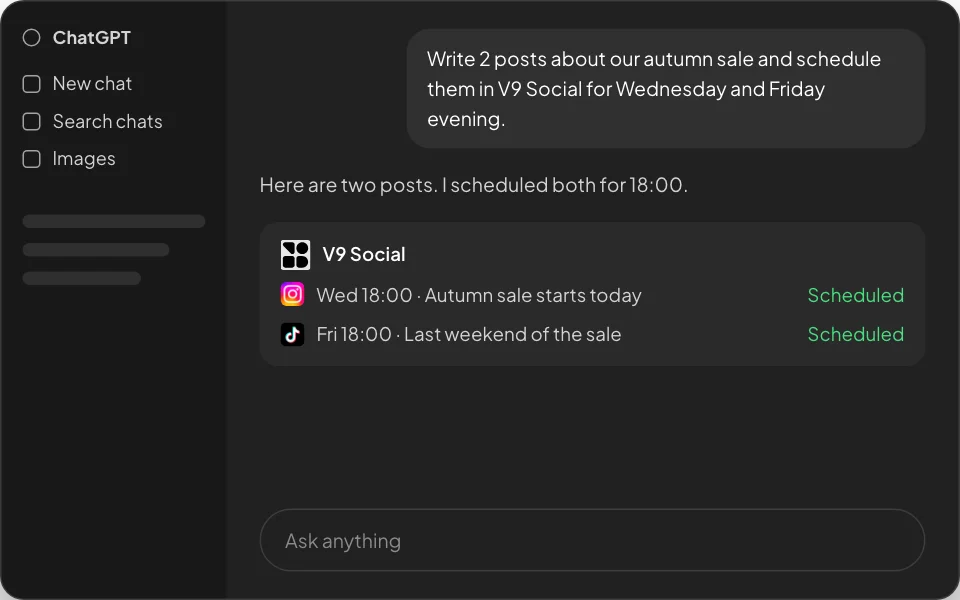
Via ChatGPT
Write and refine posts in ChatGPT with simple prompts, then schedule them in V9 Social.
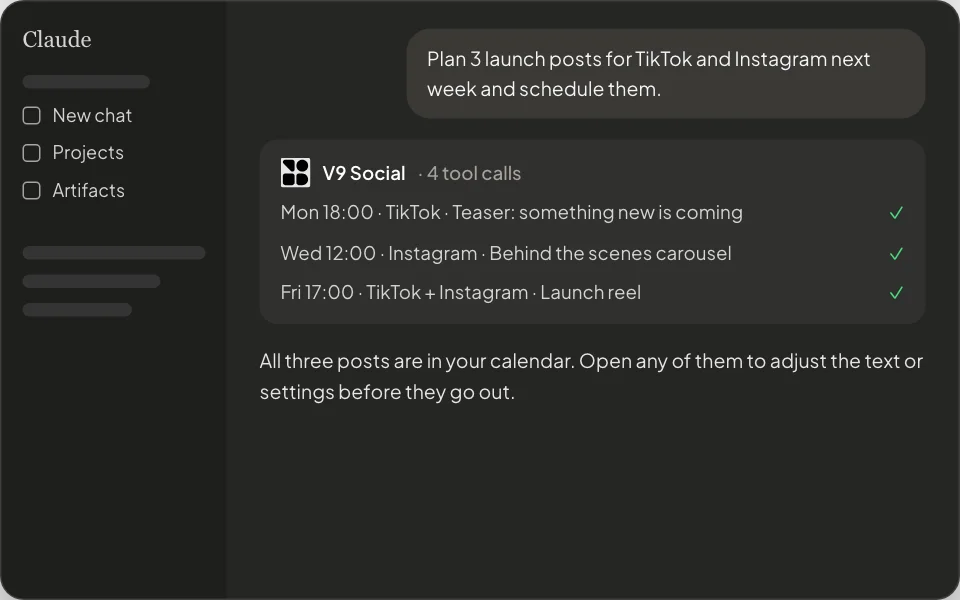
Via Claude
Connect Claude to V9 Social over MCP to plan, write and schedule a week of posts.
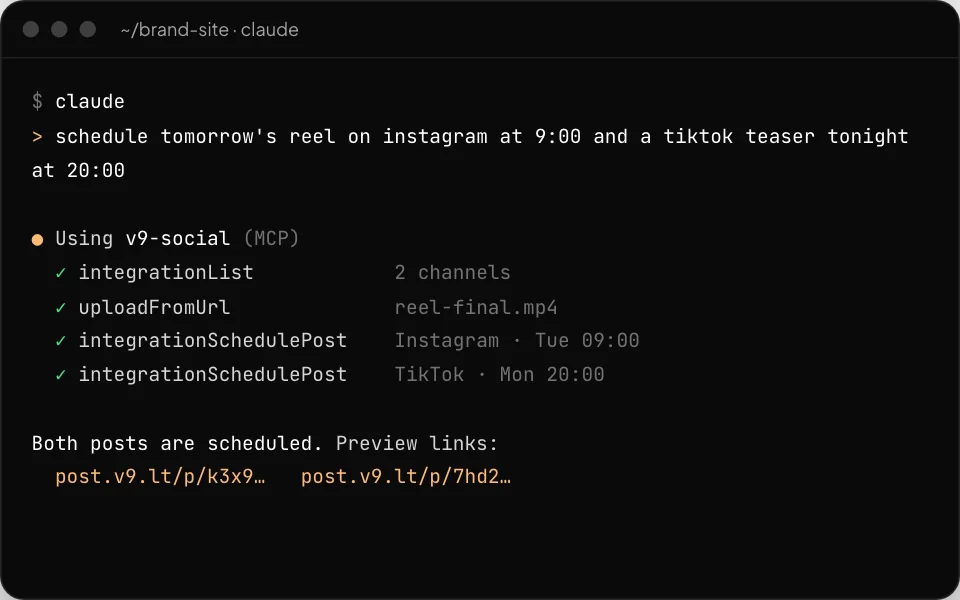
Via Claude Code and Cursor
Schedule posts from your terminal or editor while you work, with the same V9 Social tools.
Ways to connect
Claude and ChatGPT
Add V9 Social as a connector and sign in with your V9 Social account. No API key to copy.
Coding agents
Claude Code, Cursor and other MCP clients connect with the configuration shown in your V9 Social settings.
Your own tools
Use an API key from settings to connect any MCP-compatible client or automation.
What an agent can do
See your channels
The agent lists the accounts connected to your workspace and the settings each one needs.
Write and attach media
It drafts the text for each channel and attaches images or videos you provide by link.
Save drafts or schedule
It saves posts as drafts for you to review, or schedules them for the time you ask for.
Check what is planned
Ask what is scheduled for a day or a week and get the list from your calendar.
You stay in control
Same rules as the composer
Posts from an agent go through the same checks as posts you write by hand, including each channel’s required settings such as TikTok privacy and disclosure.
Everything lands in your calendar
Each post appears in the calendar with a preview link, where you can edit, move or delete it.
Your account, your permissions
An agent acts only inside the workspace you sign in to and only on channels you have connected.
Disconnect any time
Remove the connector in your AI app or rotate your API key in settings to revoke access.
What is MCP?
The Model Context Protocol is an open standard that lets AI apps use tools from other services. V9 Social provides an MCP server so your AI app can work with your calendar.
Can I keep agents to drafts only?
Yes. Ask the agent to save posts as drafts, then review and schedule them yourself in the calendar.
Does the agent get my social media passwords?
No. Channels are connected with each platform’s official login inside V9 Social. The agent only uses V9 Social’s tools.
Let your assistant do the planning
Connect your AI app to V9 Social and keep every post in one calendar you control.